Portfolio Website
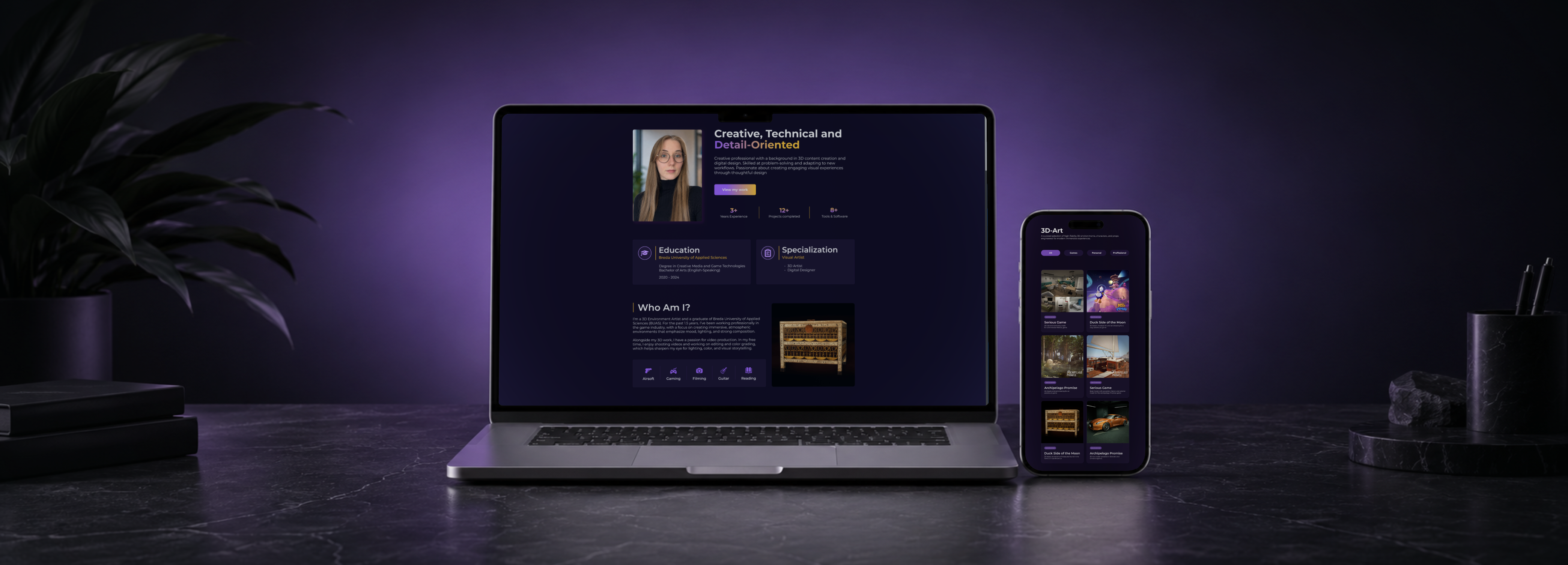
A portfolio website designed to showcase creative work through a clean, immersive interface with thoughtful layouts, visual storytelling, and a cohesive design system.
Overview
I worked on my personal portfolio website from start to finish, beginning with research and planning and continuing through the design and final implementation. My goal was to create a visually appealing website that is easy to navigate, clearly presents my work, and provides visitors with the information they need in an engaging way.
Project Details
My Role
Software Used
Project Goal
The Objective
The goal was to create a clear, visually engaging portfolio website that is easy to navigate and effectively showcases my personal work. The website needed to present my projects in a way that highlights both the final outcomes and the design process behind them, while also giving visitors a better understanding of my skills, interests, and experience
Design Focus
The design focused on creating a clean and intuitive user experience while maintaining a strong visual identity. Key priorities included clear navigation, consistent layouts, engaging project presentations, and responsive interactions. The interface was designed to make information easy to find while keeping each project’s visual design at the forefront.
The Core Loop

01 Discover
Land on the portfolio and get a feel for who I am, what I do, and the kind of work I create.

02 Explore
Browse through my projects, as well as my personal creative work and information.
03 Experience
Dive into individual projects to see the process, details, and results, including case studies and interactive showcases where relevant.

04 Connect
Learn more about me, my background and get in touch to talk about future opportunities.

05 Return
Come back for new work, updates and fresh inspiration across my projects and personal content.
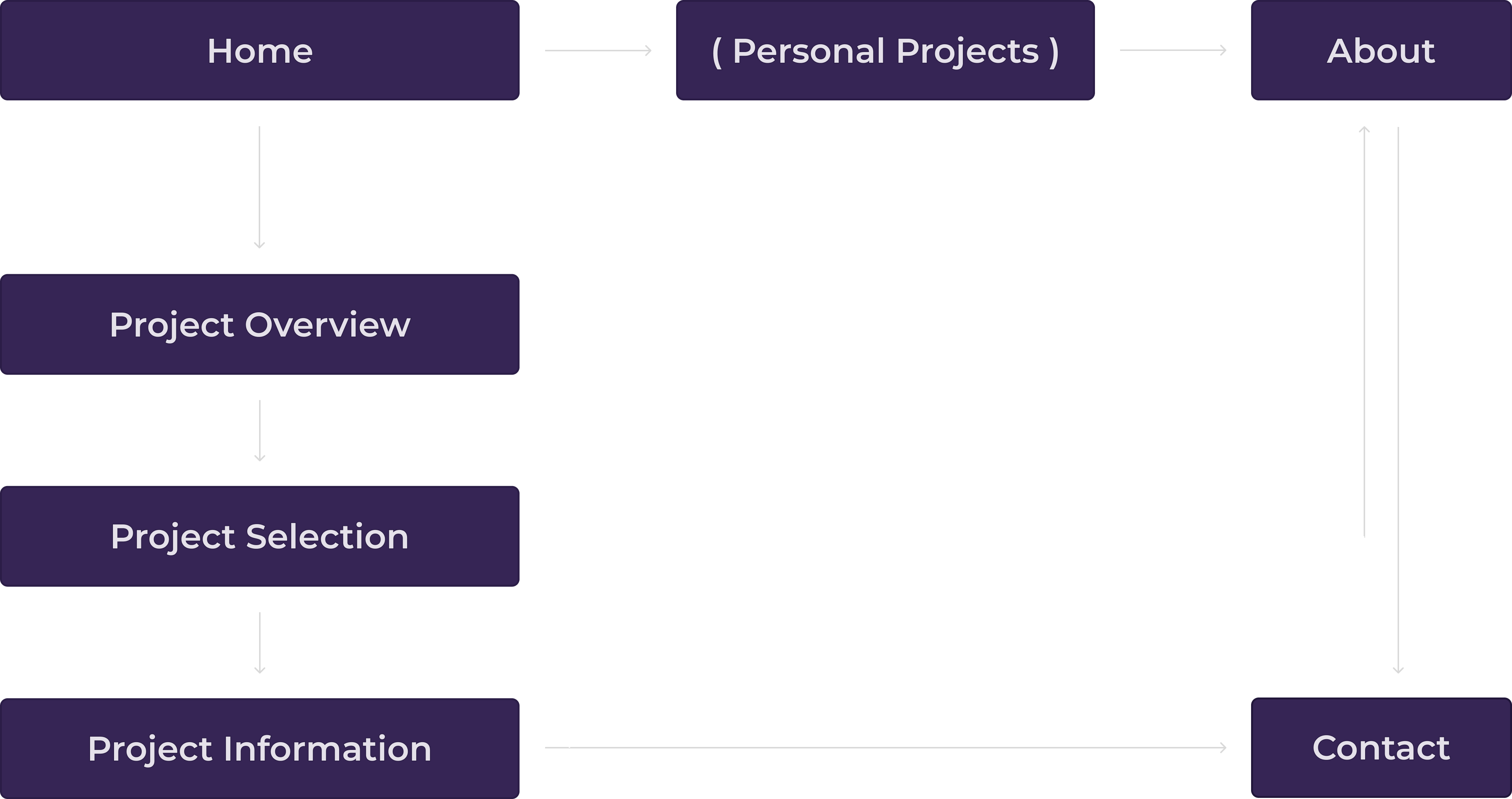
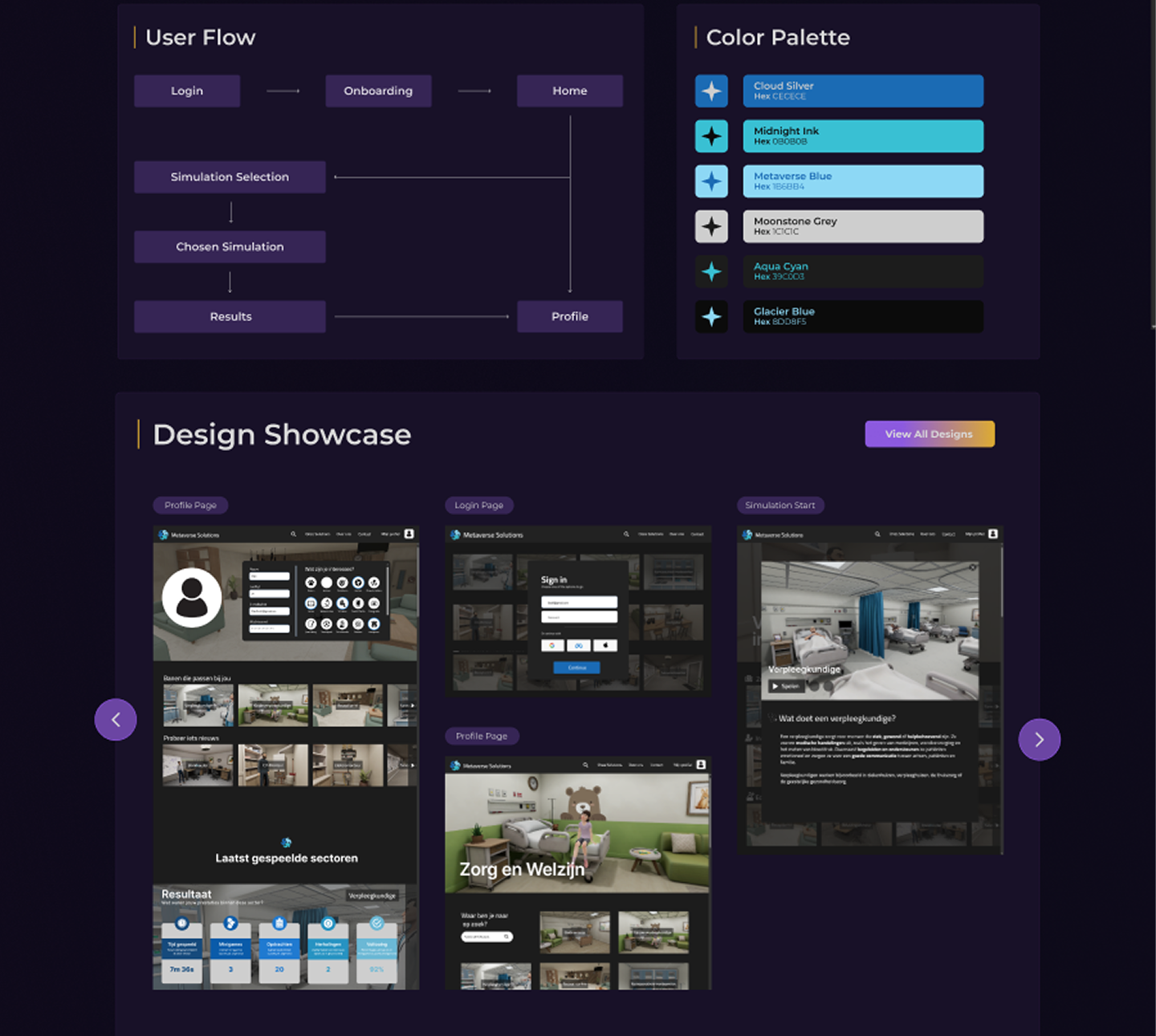
User Flow
Color Palette
Key Features

Project Showcase
Explore my projects and see the design process, decisions, and final outcomes.

UX/UI Design
Discover my approach to creating intuitive, visually engaging, and user-friendly interfaces.

Research & Process
See how research, planning, and user needs influenced my design decisions.

Easy Navigation
Find projects, information, and key sections quickly through a clear and intuitive layout.

About Me & Skills
Learn more about my background, skills, tools, and experience in one place.
Design Sketches
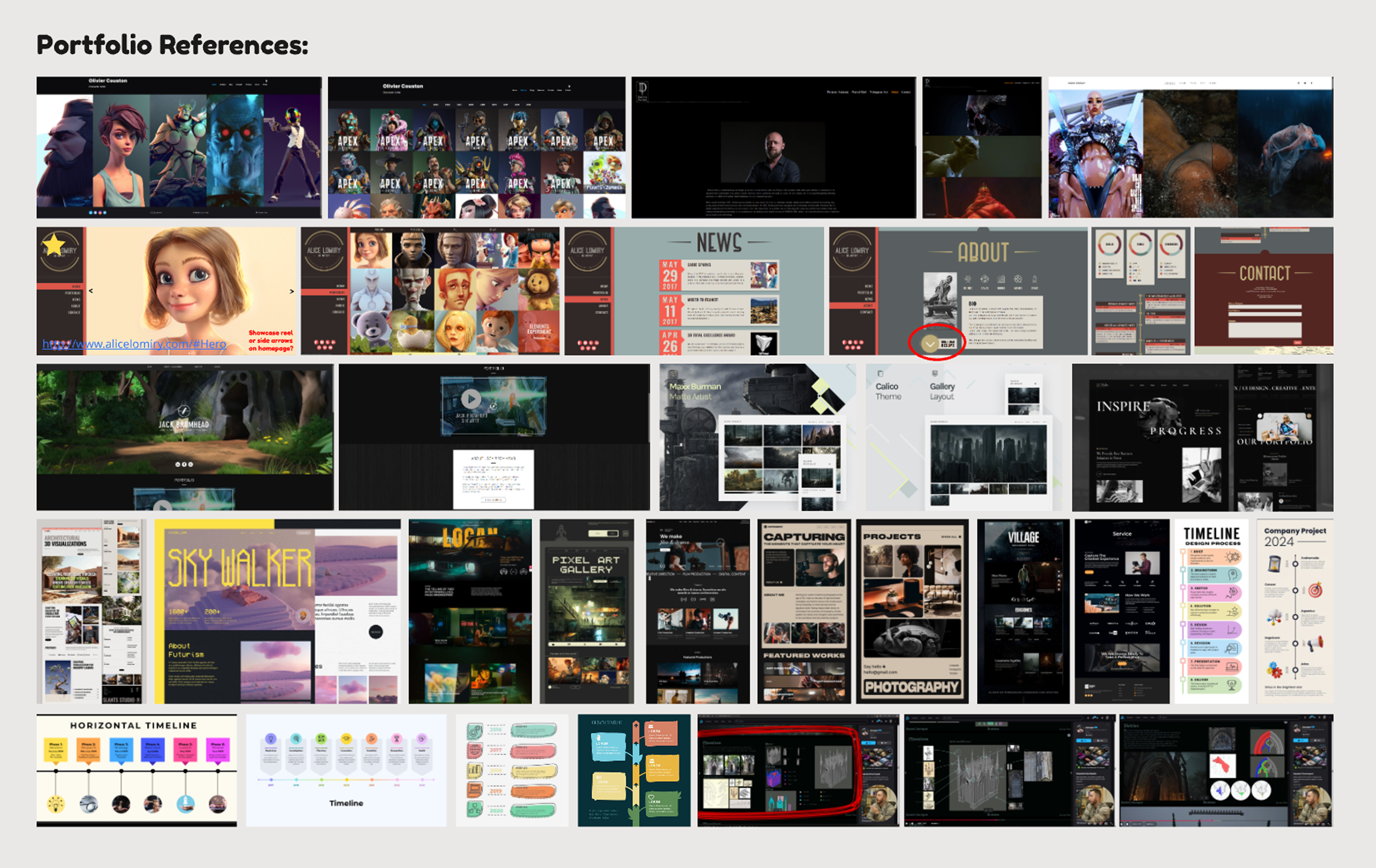
Design References
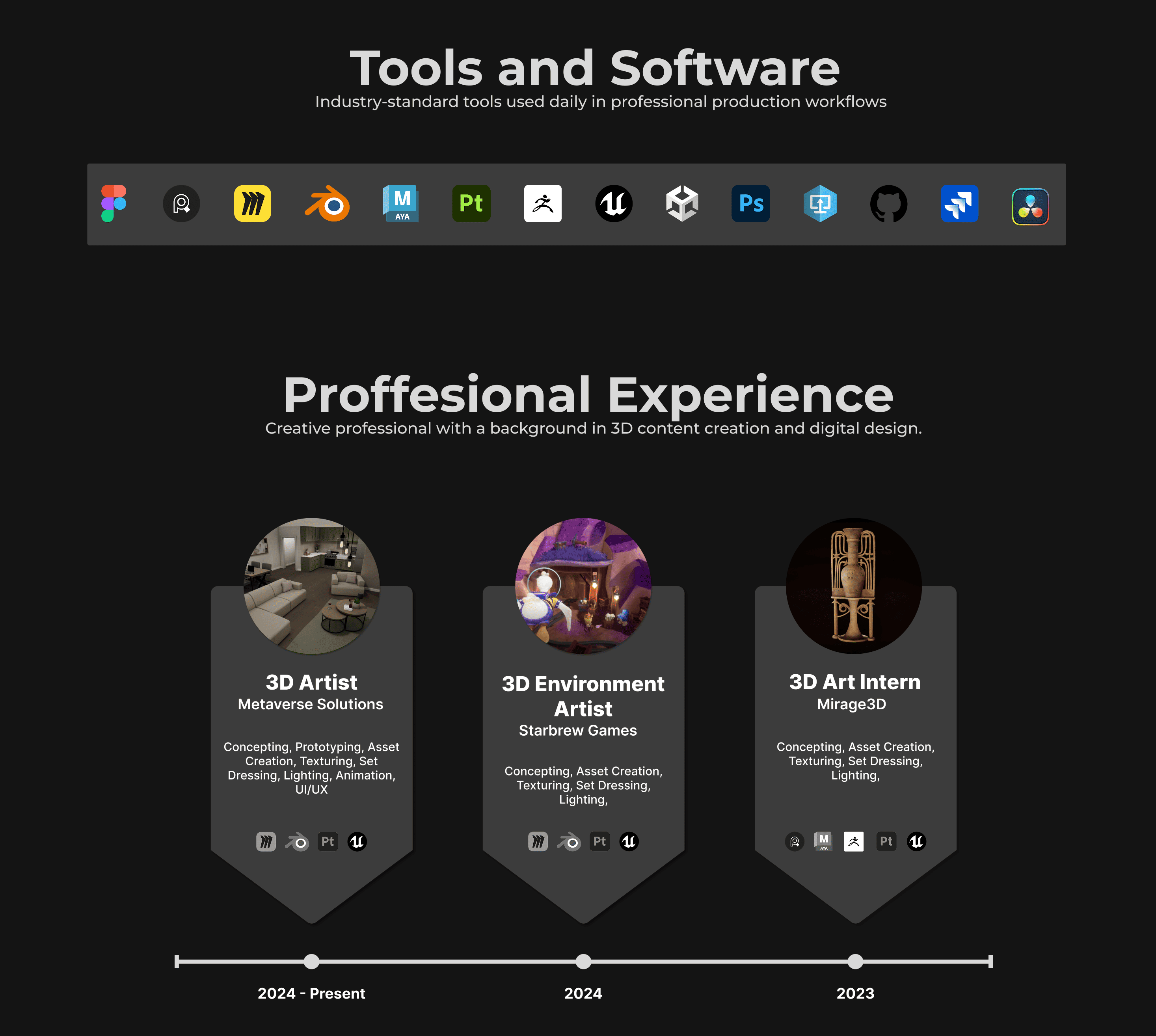
Design Decisions
Color Palette
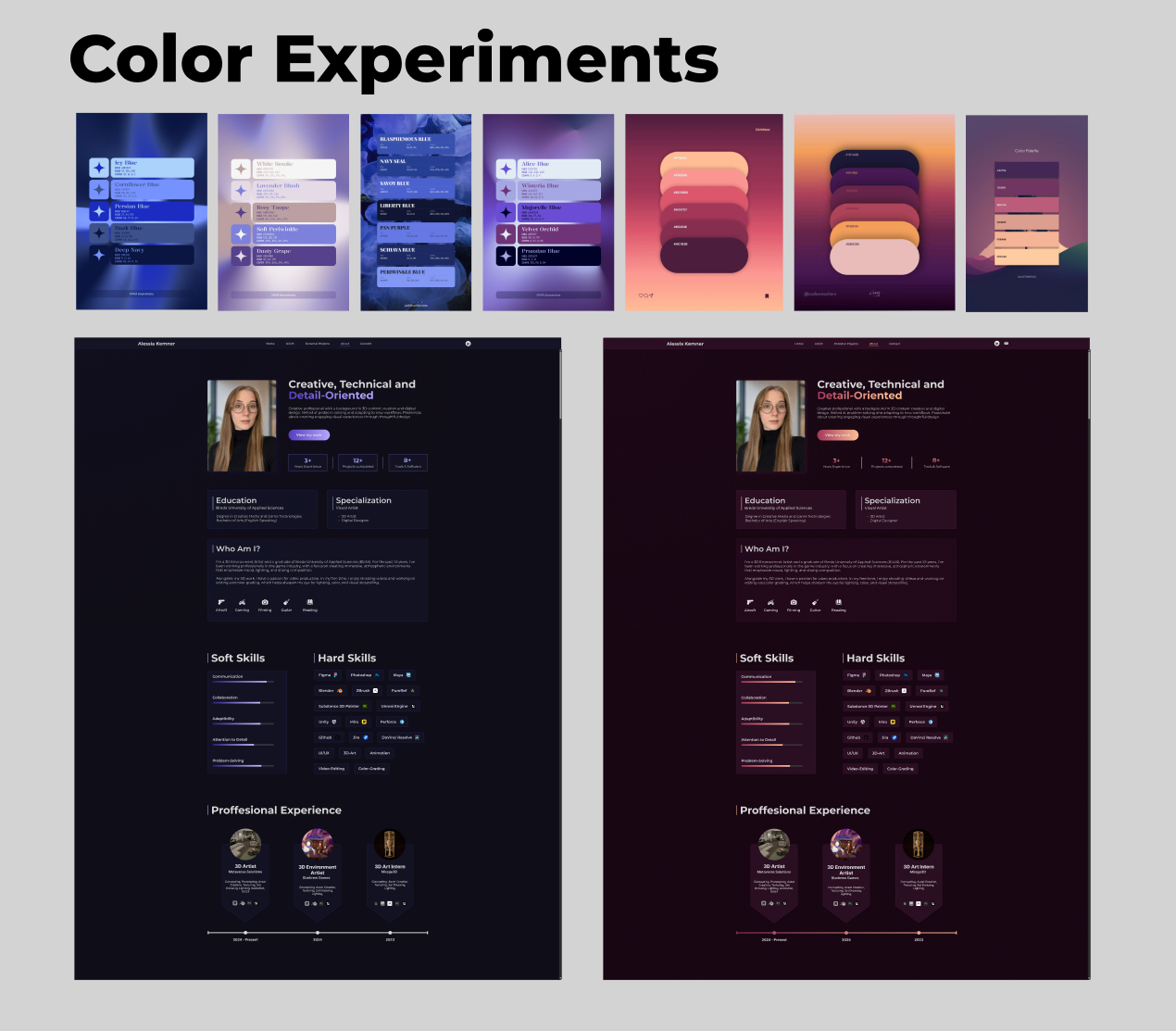
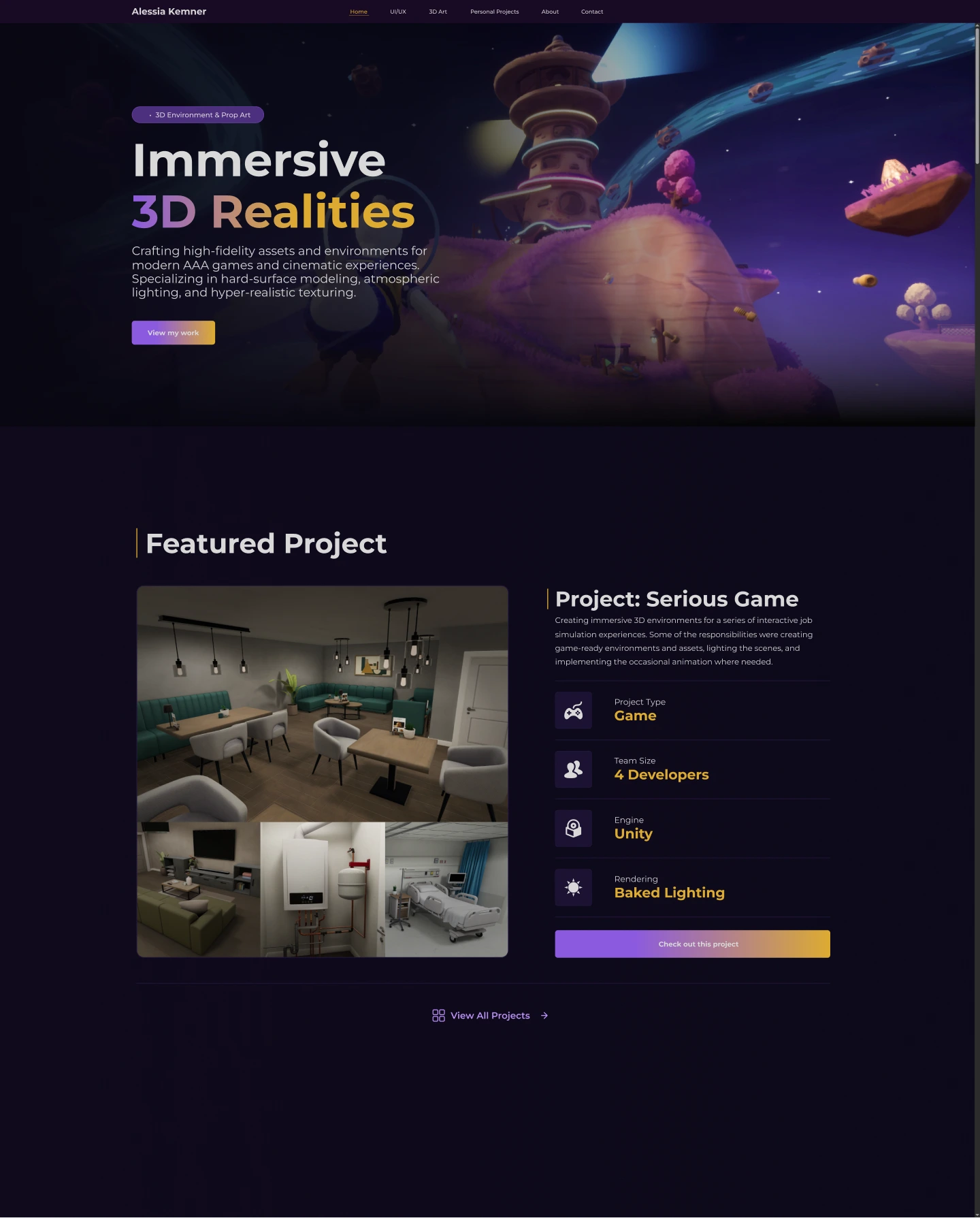
Initially, I experimented with a dark grey color palette, as it closely resembled the palette used by ArtStation, the website I previously used to showcase my work. However, I felt that this approach didn’t suit the direction of a personal brand and website. I therefore explored several different color palettes to find one that felt more fitting. An important consideration throughout this process was finding a strong accent color that would complement the primary colors used across the website. In the end I decided to go for this purple color palette with a yellow accent color.
UI/UX Design Showcase
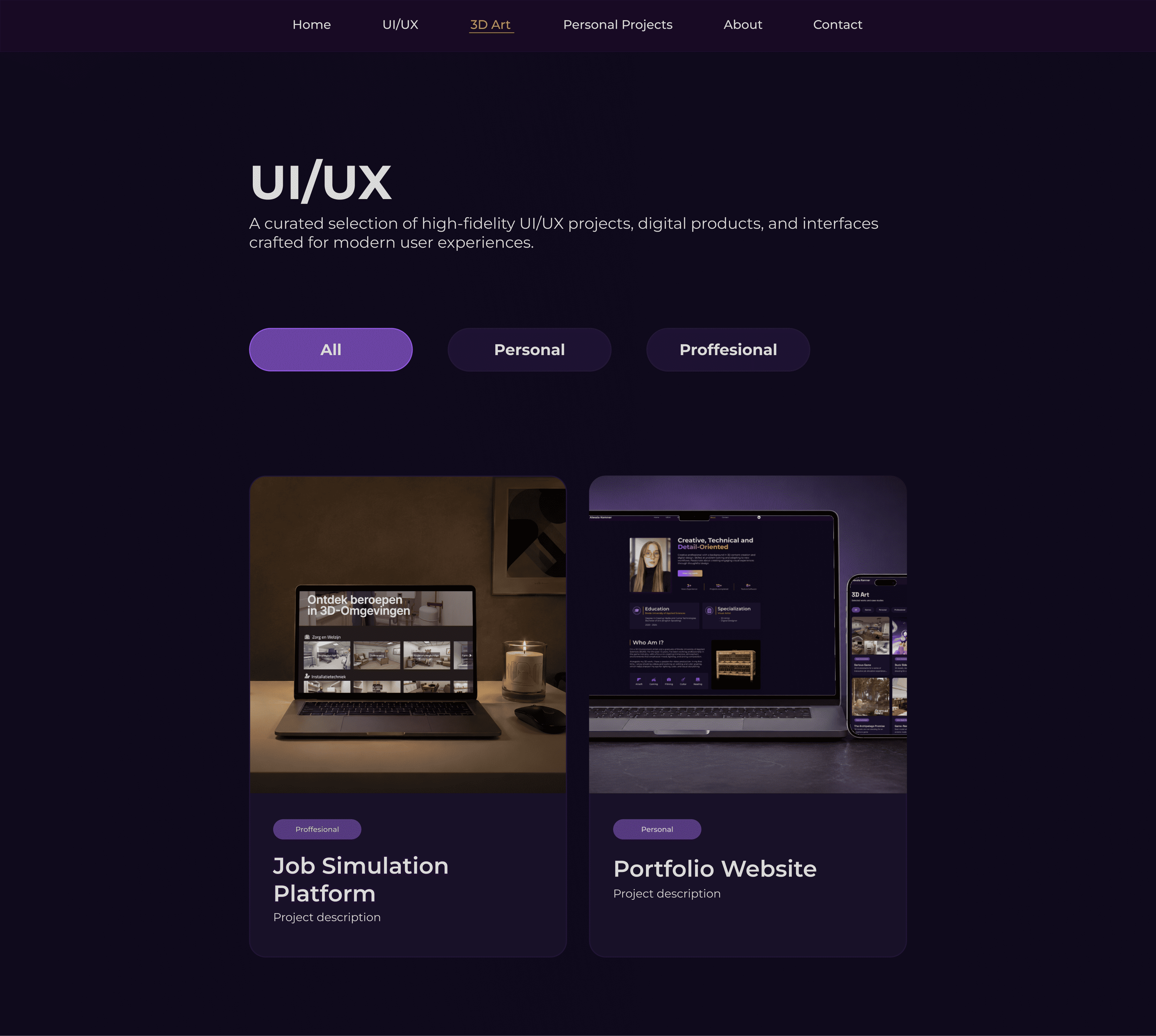
At first, I planned to use the same layout for the UI/UX project selection page as I had used for the 3D art projects. However, this layout did not work as well with the number of UI/UX projects I wanted to showcase or the size and proportions of their thumbnail images. To better accommodate the content, I decided to create a separate layout for the UI/UX projects, placing each project underneath the previous one and providing more space for the thumbnail images.

UI/UX Project page
Initially, the UI/UX project page primarily showcased the designs and sketches I had created, along with some general information about the project. After asking a designer friend for feedback, she pointed out that I could provide more in-depth insight into the project and the decisions I made throughout the design process. Based on her feedback, I decided to expand the page by adding additional sections that explain my process, reasoning, and design decisions in greater detail.
Design Showcase
Conclusion
Reflection
Looking back on this project, I am happy with how the portfolio website turned out and with the progress I made throughout the process. Creating the website made me think more carefully about how I present myself and my work to others. It was sometimes challenging to decide what information to include and how to present it without making the website feel too crowded, but I feel like it worked out in the end. Overall, I feel that this project has improved both my design skills and my ability to present my work professionally. It has also given me a better understanding of how important it is to design with the viewer in mind.
Lessons Learned
I learned how important personal branding is when creating a website, especially when it needs to match and complement the work being showcased. I also learned that layout and structure play a major role in making a website visually appealing and easy to navigate. Additionally, working on my portfolio website taught me how to make important information stand out, ensuring that visitors who only briefly look at the website can quickly understand who I am and what I have to offer.